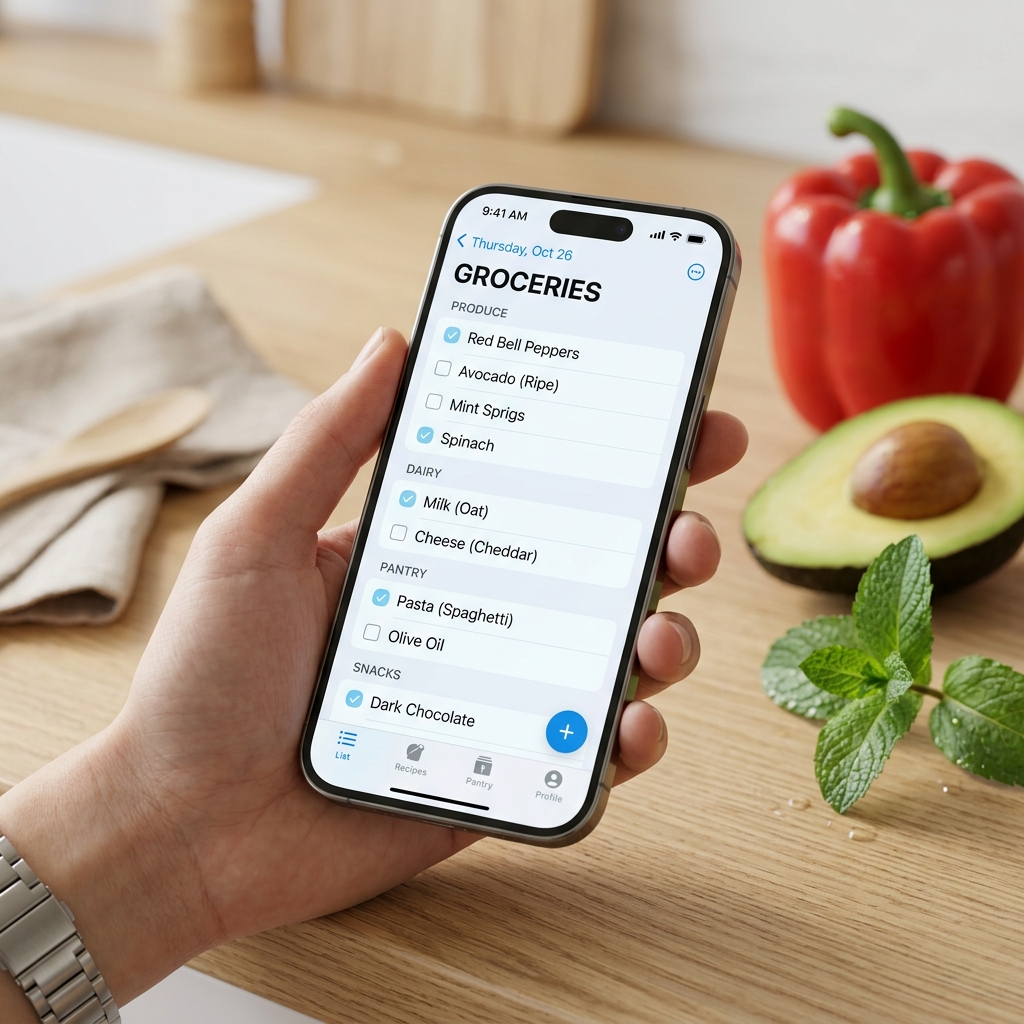
Secure your list and access it anywhere.
Already have an account? Sign In
New here? Sign up with your email to start creating and sharing your grocery lists securely.
Your feedback goes directly to the developer. No account needed!
Type an item in the top input field and tap "Add" or press "Enter". You can also use the Barcode Scanner icon to scan real-world items.
To get started, Please sign up with your email address. We back up your list securely and require email confirmation to keep your account safe! — Please check your email inbox after signing up!
Once signed in, click the Profile icon, top right corner of the main screen to see your list's name in the "My Lists:" list name box. Share this list name with family members, so they can collaborate on the same list in real-time!
Shop Mode: Items on your 'to-buy' list start checked by default. Simply uncheck each item as you place it in your cart to clear your list and track your progress.
- Restart Tour: If you ever need a refresher, you can click the button below to start the interactive tour again.
- Arrange: Tap "Arrange" to drag and drop items to reorder them.
- Categories: Tap the gear icon, only shown when in "Categorized" mode, to customize categories and group items together. Make sure you press "Save Order" to save your customization.
How would you like to handle these items?
Drag to reorder how items are grouped.
Let a group member know about a list change.
No notifications yet.
Are you sure you want to disable your account? Your data will be disabled immediately and scheduled for permanent deletion in 30 days.
Restores on any device. Database access is required for Cloud Sync, Push Notifications, and Global Collaboration.